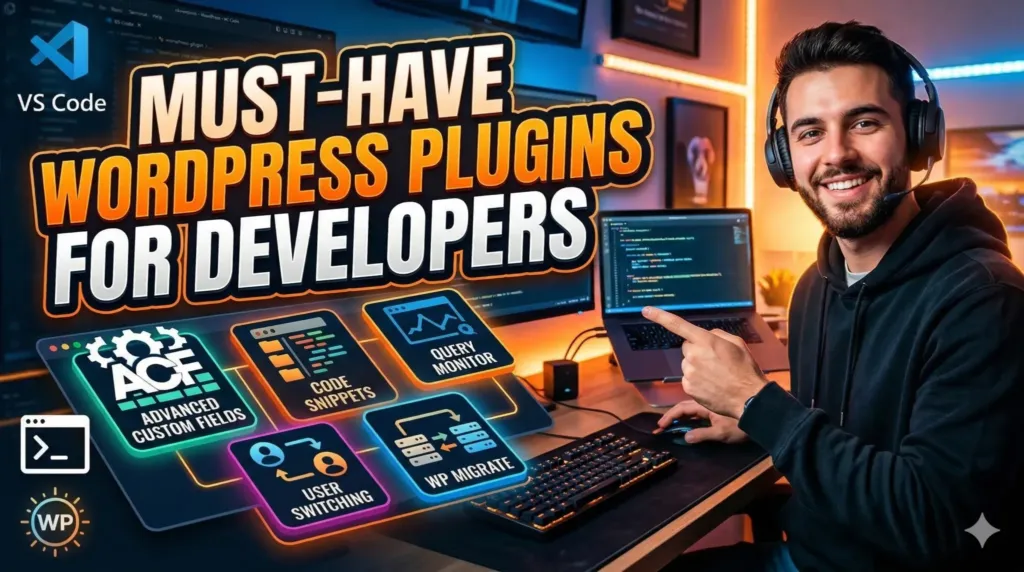
When working with WordPress as a developer, your toolkit can significantly influence your workflow, efficiency, and the quality of your final product. While WordPress is powerful out of the box, the right set of plugins can transform it into a highly flexible development environment.
This article highlights essential WordPress plugins that every developer should consider, focusing on performance, debugging, security, and workflow optimization.
1. Advanced Custom Fields (ACF)
Custom fields are at the heart of building dynamic WordPress websites. Advanced Custom Fields (ACF) simplifies the process of adding and managing custom fields.
Why developers love it:
- Clean UI for creating custom fields
- Supports complex field types (repeaters, flexible content)
- Seamless integration with themes and templates
Use case:
Perfect for building custom CMS-like experiences for clients without touching core code repeatedly.
2. Query Monitor
Debugging in WordPress can be messy without the right tools. Query Monitor provides deep insights into your site’s performance.
Key features:
- Displays database queries
- Shows PHP errors, hooks, and conditionals
- Helps identify slow queries and bottlenecks
Use case:
Essential during development to troubleshoot performance issues and optimize database interactions.
3. WP Debugging
This plugin helps manage WordPress debugging constants without editing wp-config.php manually.
Highlights:
- Enables/disables debugging mode easily
- Logs errors to a file
- Controls script debugging
Use case:
Ideal for toggling debugging settings across different environments quickly.
4. Code Snippets
Instead of cluttering your functions.php file, Code Snippets allows you to safely add custom PHP code.
Why it’s useful:
- Prevents site crashes from bad code
- Organizes snippets efficiently
- Activate/deactivate snippets individually
Use case:
Great for testing small functionality without modifying theme files.
5. WP Migrate (formerly WP Migrate DB)
Migrating databases between environments is a common developer task. WP Migrate simplifies this process.
Features:
- Push and pull databases between sites
- Handles serialized data
- Supports find-and-replace for URLs
Use case:
Useful for syncing local, staging, and production environments.
6. Regenerate Thumbnails
When changing image sizes in your theme, existing images don’t automatically update. This plugin solves that.
Key benefits:
- Regenerates thumbnails for all media uploads
- Ensures consistency across layouts
Use case:
Helpful when redesigning a site or updating media settings.
7. User Switching
Testing different user roles is essential during development.
What it does:
- Switch between user accounts instantly
- No need to log out and log back in
Use case:
Speeds up role-based testing and permission debugging.
8. WP-CLI (Command Line Interface)
While technically not a plugin, WP-CLI is a must-have tool for developers working with WordPress.
Why it matters:
- Manage WordPress via terminal
- Install plugins, update core, manage users
- Automate repetitive tasks
Use case:
Perfect for advanced workflows and scripting deployments.
9. Security Plugins (Wordfence / iThemes Security)
Security should never be an afterthought.
Common features:
- Firewall protection
- Malware scanning
- Login security enhancements
Use case:
Protects development and production environments from vulnerabilities.
10. Performance Optimization (WP Rocket / LiteSpeed Cache)
Performance is critical for user experience and SEO.
Benefits:
- Page caching
- Minification of CSS/JS
- Lazy loading images
Use case:
Ensures fast-loading websites with minimal manual optimization.
Final Thoughts
The right combination of plugins can dramatically improve your WordPress development workflow. However, it’s important to avoid plugin bloat—only install what you truly need and ensure each plugin is well-maintained and compatible.
As a developer, your goal should be to balance flexibility, performance, and maintainability. These plugins provide a solid foundation to build efficient, scalable, and secure WordPress projects.
Pro Tip:
Always test plugins in a staging environment before deploying them to production. Even widely used plugins can occasionally introduce conflicts depending on your stack.